




Future of Artificial Intelligence in the Next 10 Years
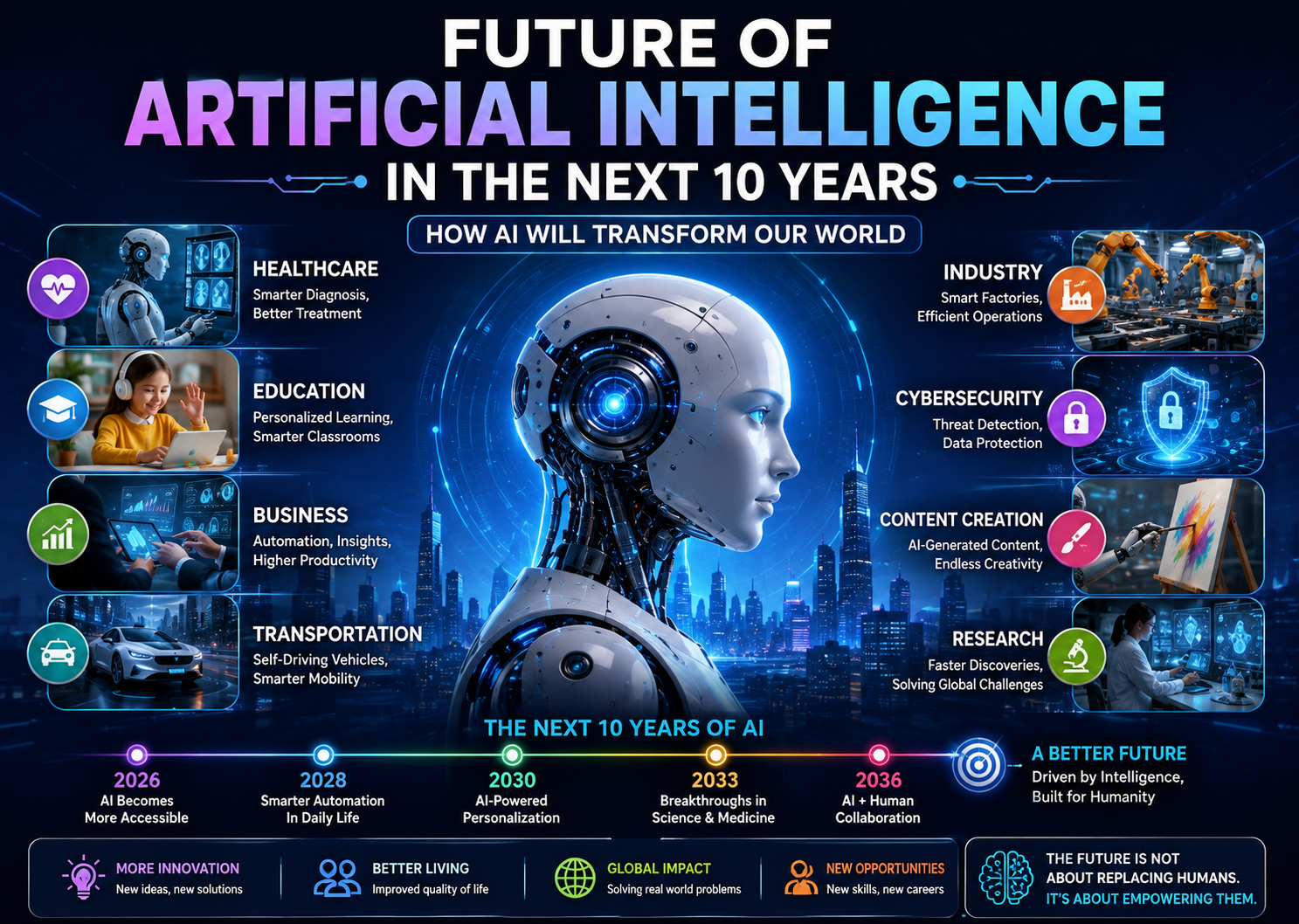
Artificial Intelligence is no longer just a futuristic concept. It is already changing the way we work, learn, communicate, and do business. From AI-powered chatbots and virtual assistants to self-driving technology and medical diagnosis, artificial intelligence is becoming a part of our daily lives. The next decade is expected to bring even bigger changes. AI